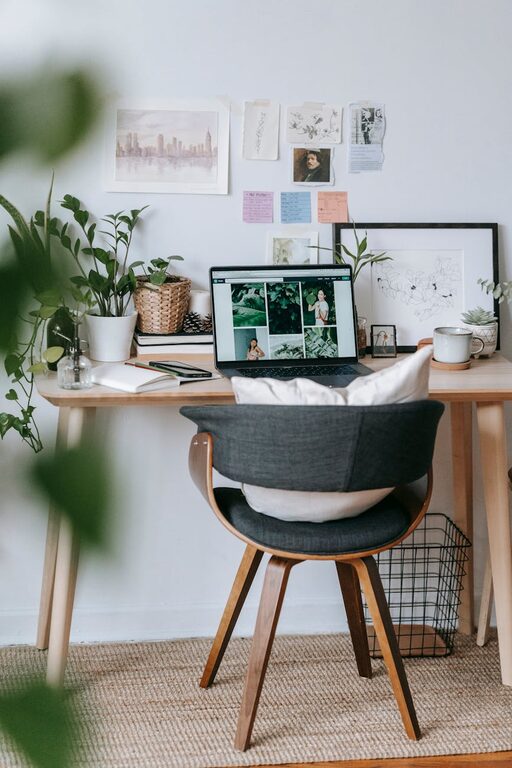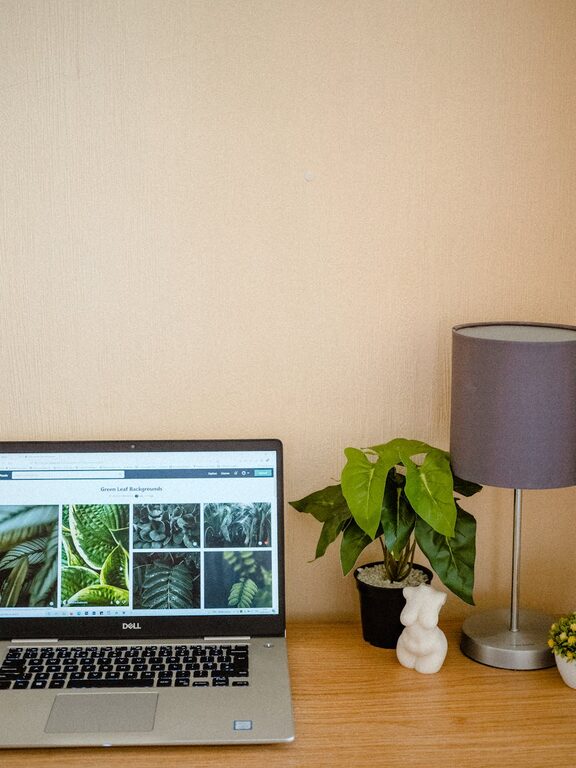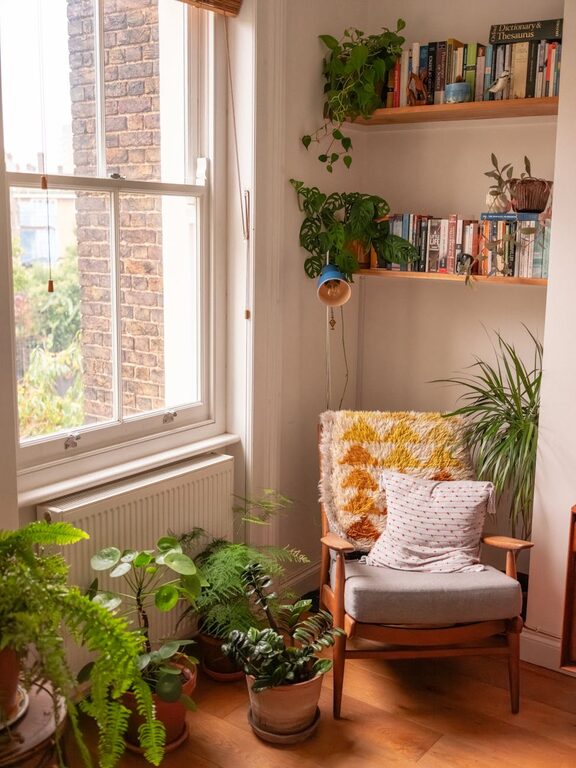
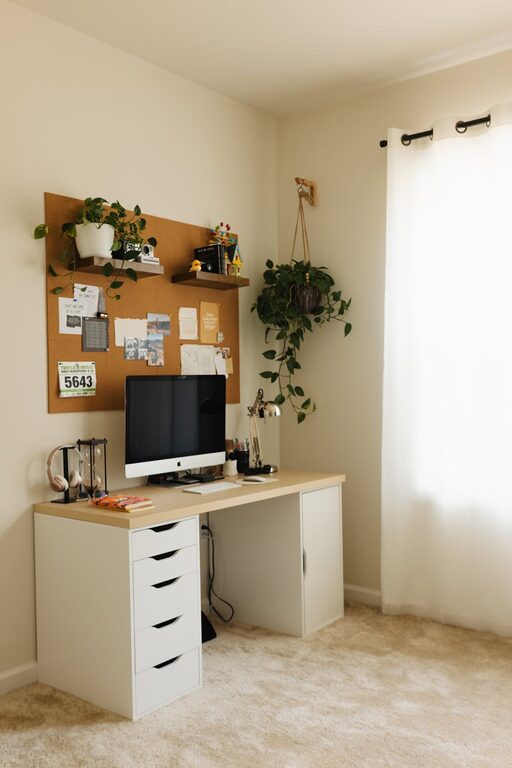
Creating a home workspace that is both cozy and functional can significantly enhance your comfort and productivity. Whether you are working remotely full-time or need a dedicated spot for occasional tasks, a well-designed workspace can make all the difference. In this post, we’ll explore simple yet effective tips to help you build an inviting and efficient home office.
Why a Cozy and Functional Workspace Matters
Your workspace influences how you feel and work. A cozy environment keeps you comfortable and relaxed, while functionality ensures that your setup supports your tasks without distractions. Together, these elements promote focus, reduce stress, and improve your overall work experience.
Choosing the Right Location
When selecting a spot in your home for your workspace, consider these factors:
– Natural Light: Position your desk near a window if possible. Natural light reduces eye strain and creates a pleasant atmosphere.
– Quiet Area: Pick a low-traffic corner to minimize noise and interruptions.
– Space: Make sure there is enough room for your desk, chair, and any necessary equipment or storage.
Selecting Comfortable Furniture
A comfortable chair and desk are essential for long work sessions.
– Ergonomic Chair: Invest in a chair that supports good posture, adjustable height, and lumbar support.
– Desk Height: Your desk should allow your elbows to rest at about a 90-degree angle when typing.
– Desk Size: Choose a desk that fits your work tools without feeling cramped, but avoid oversized pieces that overwhelm the space.
Organizing for Efficiency
A clutter-free workspace helps you stay focused and productive.
– Declutter Regularly: Keep only essentials on your desk and store other items in drawers or organizers.
– Use Storage Solutions: Consider shelves, filing cabinets, or baskets to keep supplies tidy.
– Cable Management: Use clips or sleeves to organize cords and prevent tangles.
Adding Personal and Cozy Touches
Creating a cozy vibe makes your workspace inviting.
– Soft Textiles: Add a cushion or a small throw blanket to your chair.
– Plants: Incorporate houseplants to improve air quality and add a sense of calm.
– Warm Lighting: Use a desk lamp with adjustable brightness and warm-toned light bulbs.
– Artwork or Photos: Display images or art that inspire or uplift you.
Incorporating Technology Thoughtfully
Your technology should support your workflow without causing frustration.
– Reliable Equipment: Invest in a good-quality computer, keyboard, and mouse.
– Dual Monitors: If your work requires multiple screens, arrange them ergonomically.
– Wireless Accessories: Reduce cable clutter with wireless keyboards, mice, and headphones.
– Charging Stations: Set up a designated area for charging devices to keep them organized.
Creating Boundaries Between Work and Home Life
Especially when working from home, it’s important to distinguish your work area.
– Separate Space: Try to dedicate a specific spot solely for work.
– Visual Cues: Use rugs or room dividers to mark your office area.
– Routine: Establish clear working hours and “office hours” to help maintain balance.
Maintaining Your Workspace
Keeping your workspace clean and organized is an ongoing process.
– Daily Tidy-Up: Spend a few minutes at the end of each day organizing your desk.
– Weekly Cleaning: Dust surfaces, clean your keyboard, and declutter storage regularly.
– Revisit Layout: Periodically assess your setup and make adjustments as your work habits or needs change.
Final Thoughts
Crafting a cozy and functional home workspace is about balancing comfort with practicality. By choosing the right location, furniture, organization methods, and personal touches, you’ll create an environment that not only feels good but also supports your daily work effectively. Remember, your workspace should work for you—take the time to tailor it to your needs and preferences.
Creating this inviting atmosphere can help you stay motivated, focused, and comfortable throughout your workday. Start small, make gradual improvements, and enjoy the benefits of a space designed just for you!
About the Author