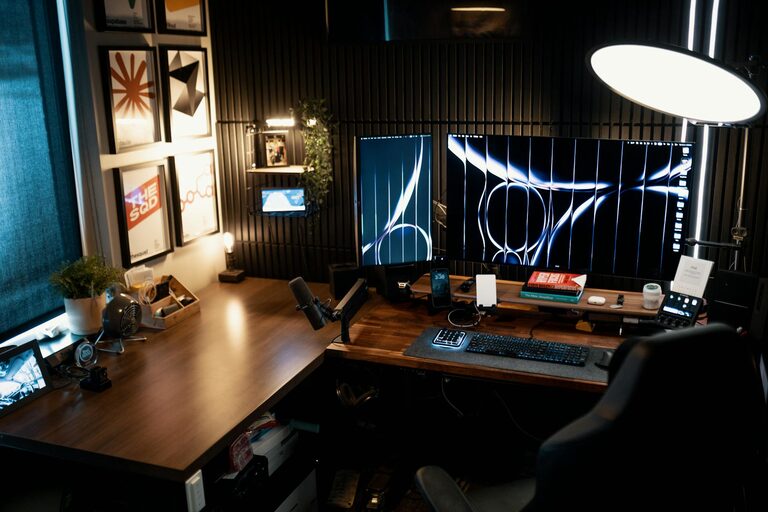
Creating a home office that is both cozy and productive can transform the way you work from home. When your workspace feels comfortable and inspiring, it can boost your motivation, help you focus, and improve overall productivity. Whether you’re setting up a new area or updating an existing one, these tips will guide you in designing a home office that fits your needs.
1. Choose the Right Location
Start by selecting the best spot in your home for your office. Ideally, this should be a quiet area with good natural light. A corner in the living room, a spare bedroom, or even a section of your bedroom can work well. Avoid high-traffic or noisy areas to minimize distractions.
Consider Light and Noise
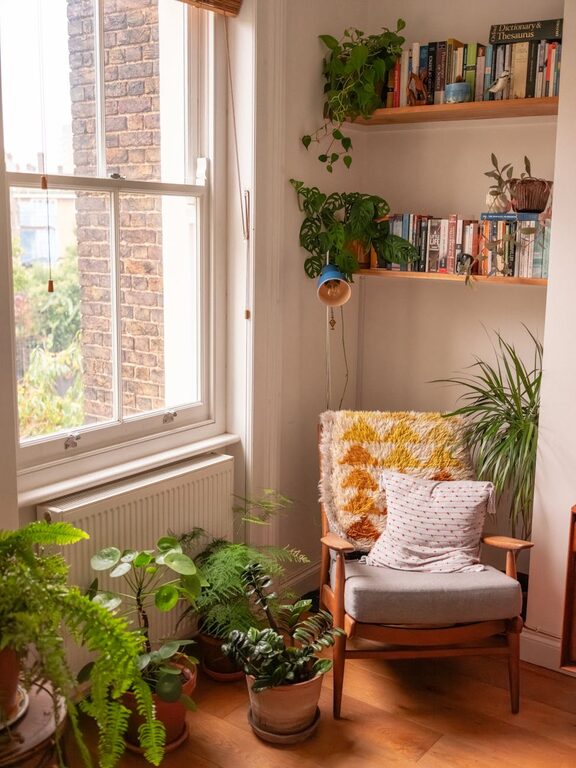
– Natural light can improve mood and reduce eye strain. Place your desk near a window if possible.
– If natural light is limited, invest in quality artificial lighting such as a desk lamp with adjustable brightness.
– Use noise-cancelling headphones or a white noise machine if ambient noise is an issue.
2. Invest in Comfortable Furniture
Comfort is key to maintaining focus during long work hours. Here are some furniture essentials:
– Ergonomic chair: Choose a chair that supports your back and encourages good posture.
– Spacious desk: Ensure your desk has enough room for your computer, paperwork, and other essentials.
– Footrest or adjustable desk option: These can improve ergonomics and reduce fatigue.
Many ergonomic features are adjustable, so take the time to customize your setup to what feels best for you.
3. Organize Your Space Efficiently
A cluttered workspace can hinder productivity. Use organizational tools to keep your area tidy:
– Use shelves or filing cabinets to store documents.
– Desk organizers or trays help keep small items like pens and paperclips in place.
– Cable management solutions reduce tangling and mess from cords.
Having everything organized and within reach minimizes distractions and saves time looking for supplies.
4. Add Personal and Cozy Touches
While functionality is important, comfort and aesthetics also matter. Personalize your space to make it welcoming:
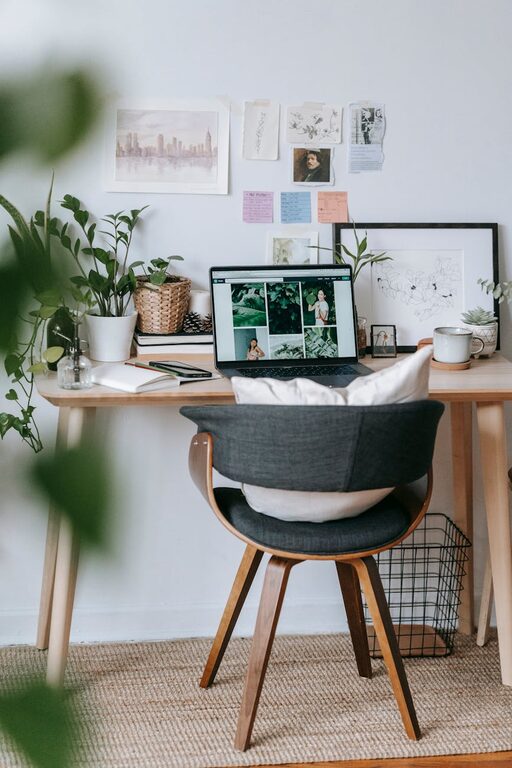
– Add cushions or a cozy rug to soften the area.
– Hang artwork or photos that inspire and motivate you.
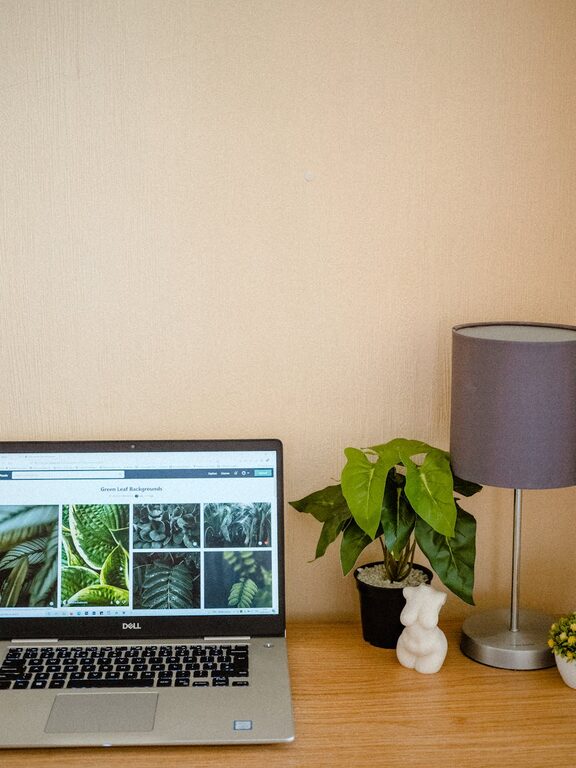
– Incorporate plants to bring life and improve air quality.
– Use soft, warm colors for walls or accessories to create a calm atmosphere.
Feeling comfortable in your space can reduce stress and increase satisfaction.
5. Optimize Technology Setup
A reliable and efficient technology setup prevents frustration and interruptions:
– Ensure your internet connection is stable and fast.
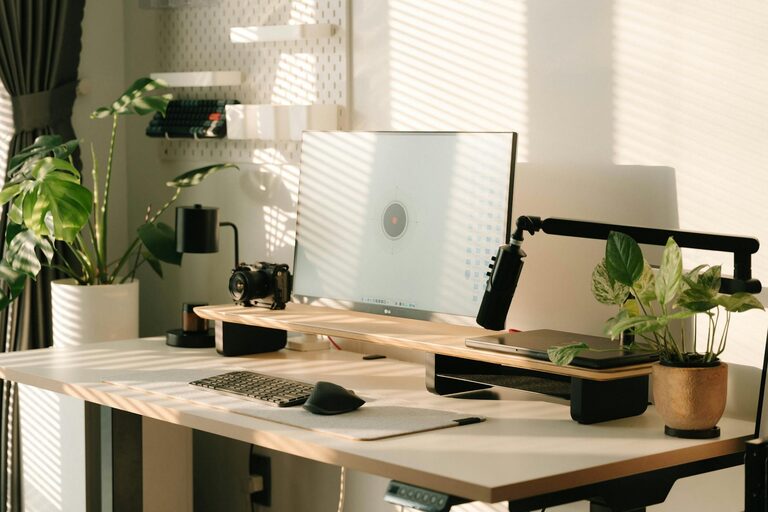
– Use quality peripherals such as a keyboard, mouse, and monitor that suit your preferences.
– Keep chargers, external drives, and other tech tools organized and accessible.
– Consider using multiple screens for improved workflow if your work requires it.
Regularly update your software and back up important files to avoid technical issues.
6. Establish Boundaries and Routine
Working from home can blur the line between personal and professional life. To stay productive:
– Set specific work hours and stick to them.
– Use a “do not disturb” sign or signal if you share your home with others.
– Take regular breaks and step away from your desk to refresh.
– Keep your work area reserved for work, avoiding multitasking with chores or personal tasks nearby.
Creating clear boundaries helps maintain focus and work-life balance.
7. Use Smart Lighting and Temperature Control
Good lighting and a comfortable temperature can affect your focus:
– Use adjustable lighting to switch between bright working light and softer lighting for breaks.
– If your room tends to get chilly or hot, consider portable heaters or fans to find the right temperature.
– Automatic timers or smart plugs can help manage lighting schedules for energy efficiency.
A comfortable environment contributes to longer periods of concentration.
8. Keep Supplies Handy
Have all necessary supplies close by to minimize interruptions:
– Keep pens, notebooks, sticky notes, and chargers within easy reach.
– Stock up on printer paper, ink, and other consumables.
– Use labeled bins or drawers to store less frequently used items.
Preparedness keeps you focused and avoids unnecessary breaks from work.
—
By thoughtfully designing your home office to be both cozy and productive, you set yourself up for successful and comfortable remote work. Remember, this space should serve your personal needs and support your work habits. Take your time to experiment with different setups until you find what works best for you. Happy working!
About the Author